
32 overlays, one by one
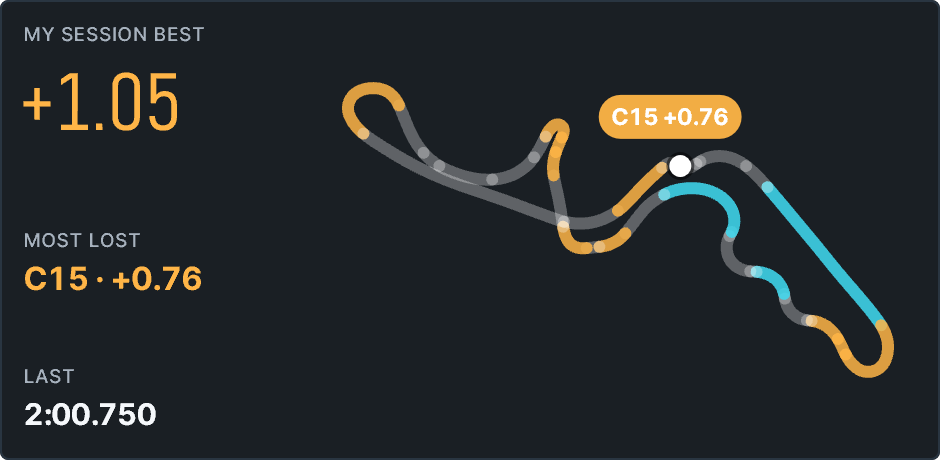
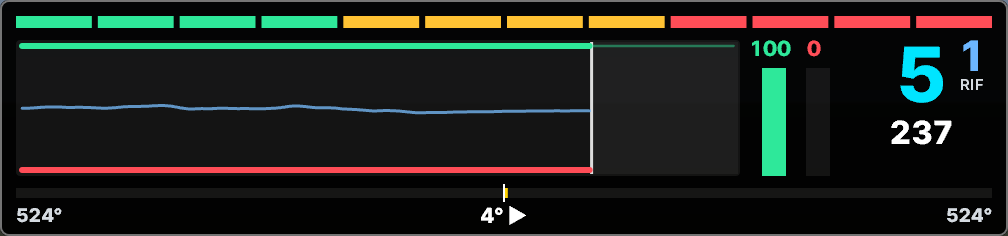
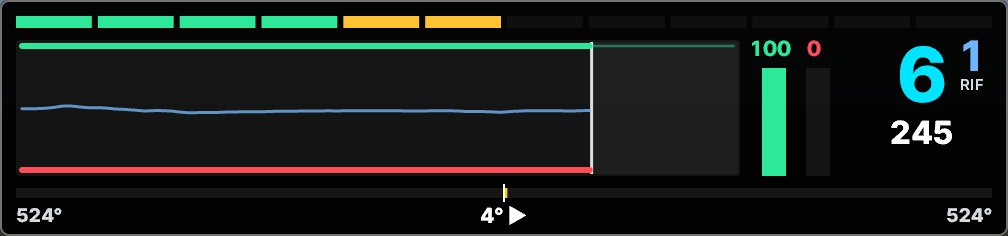
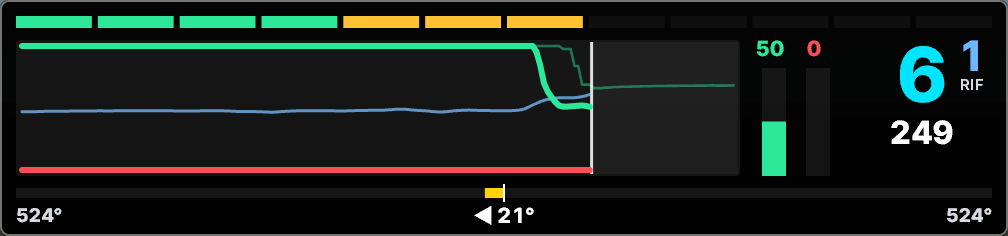
What each one shows and when it appears. The images play by themselves: pedals, map, telemetry and coach come from a real lap at Suzuka, the rest from a sample race.
Lay out the screen
Nothing to download: pick a ready layout or build your own. Switch on, switch off, move.




A real race frame will go behind.
Drag an overlay to move it. In the program you also choose size and opacity.
In the race
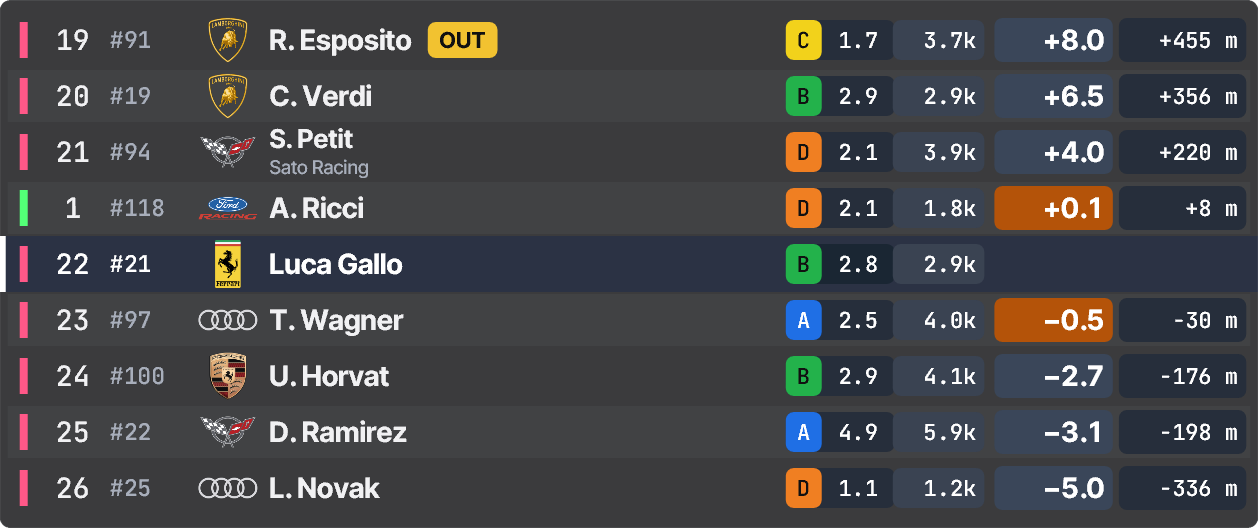
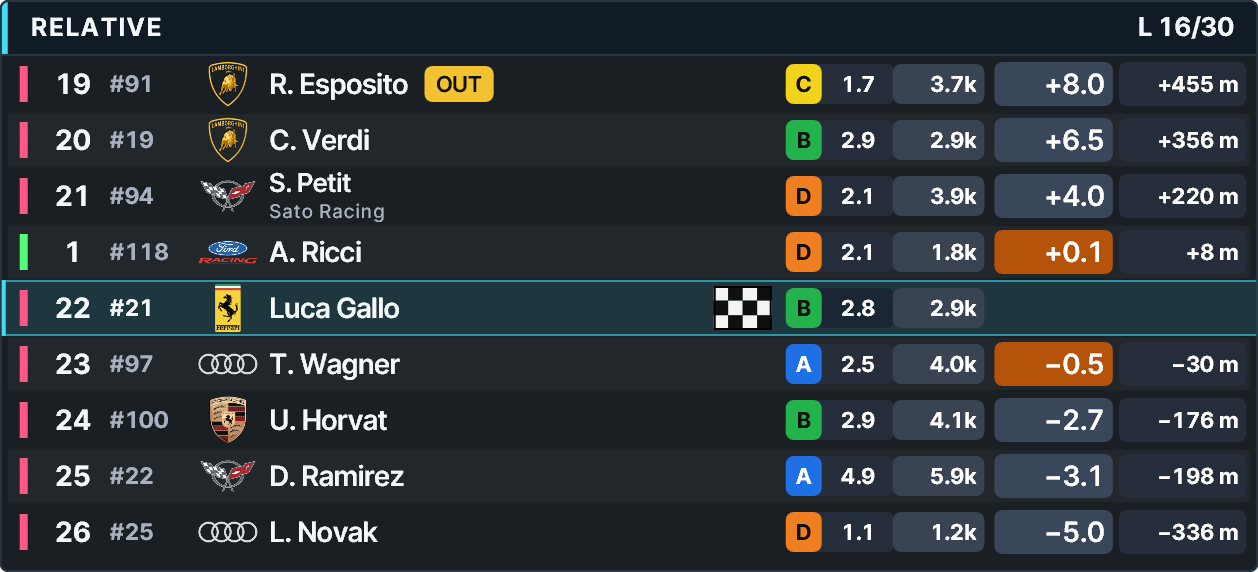
Relative
Who is ahead and behind you on track, not in the standings: gap in seconds and metres, licence, iRating, class, who has just left the pits.
Columns of your choice, with or without title. At the end it marks who has taken the flag.
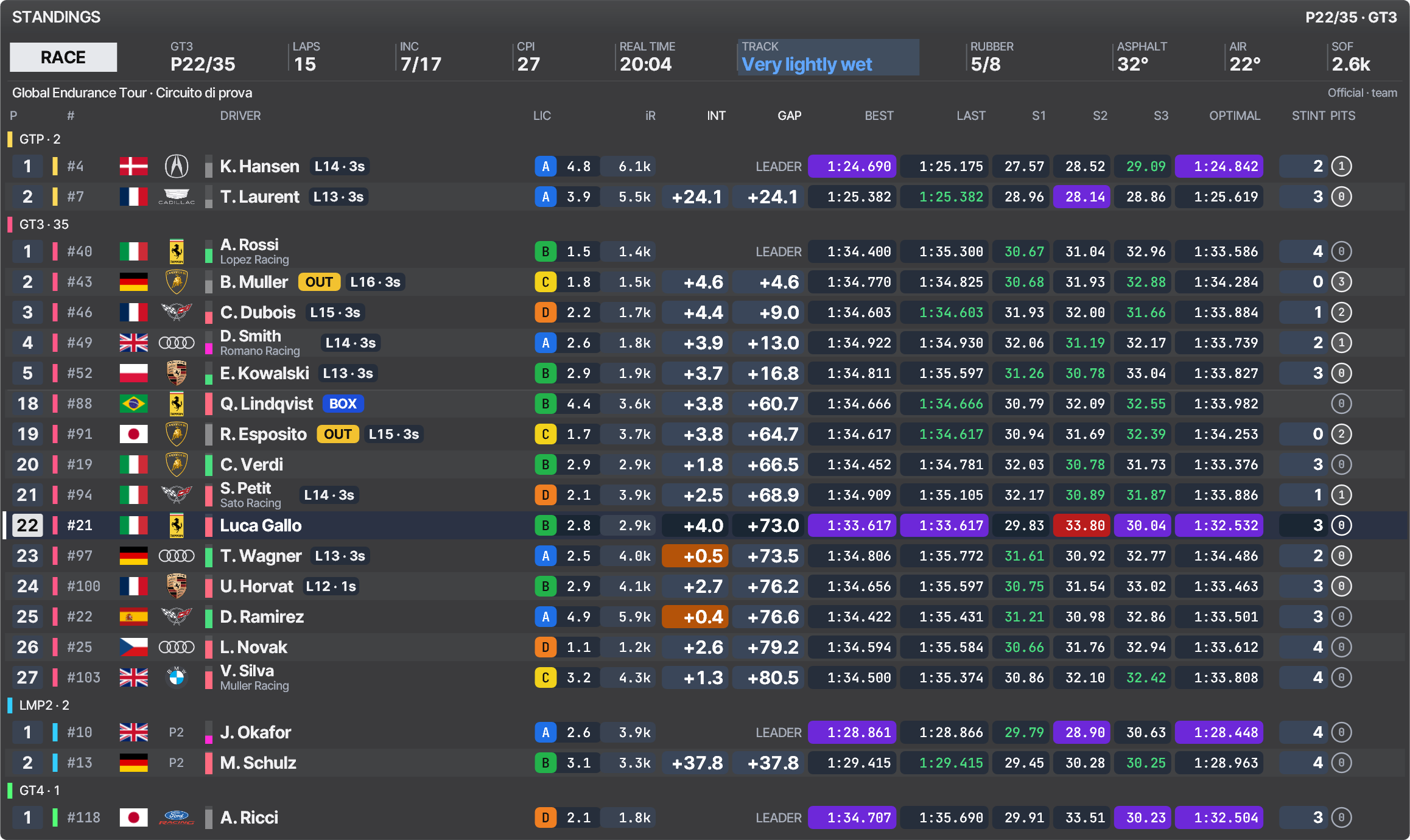
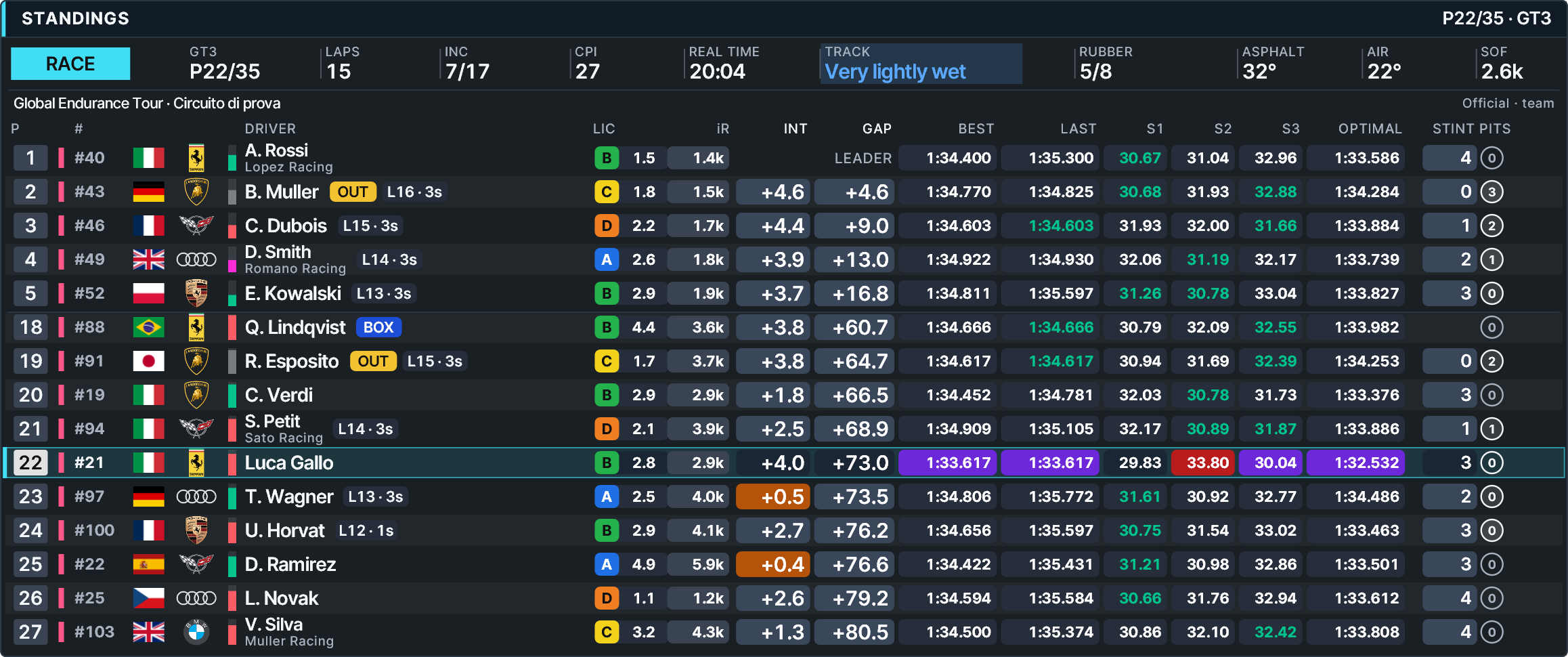
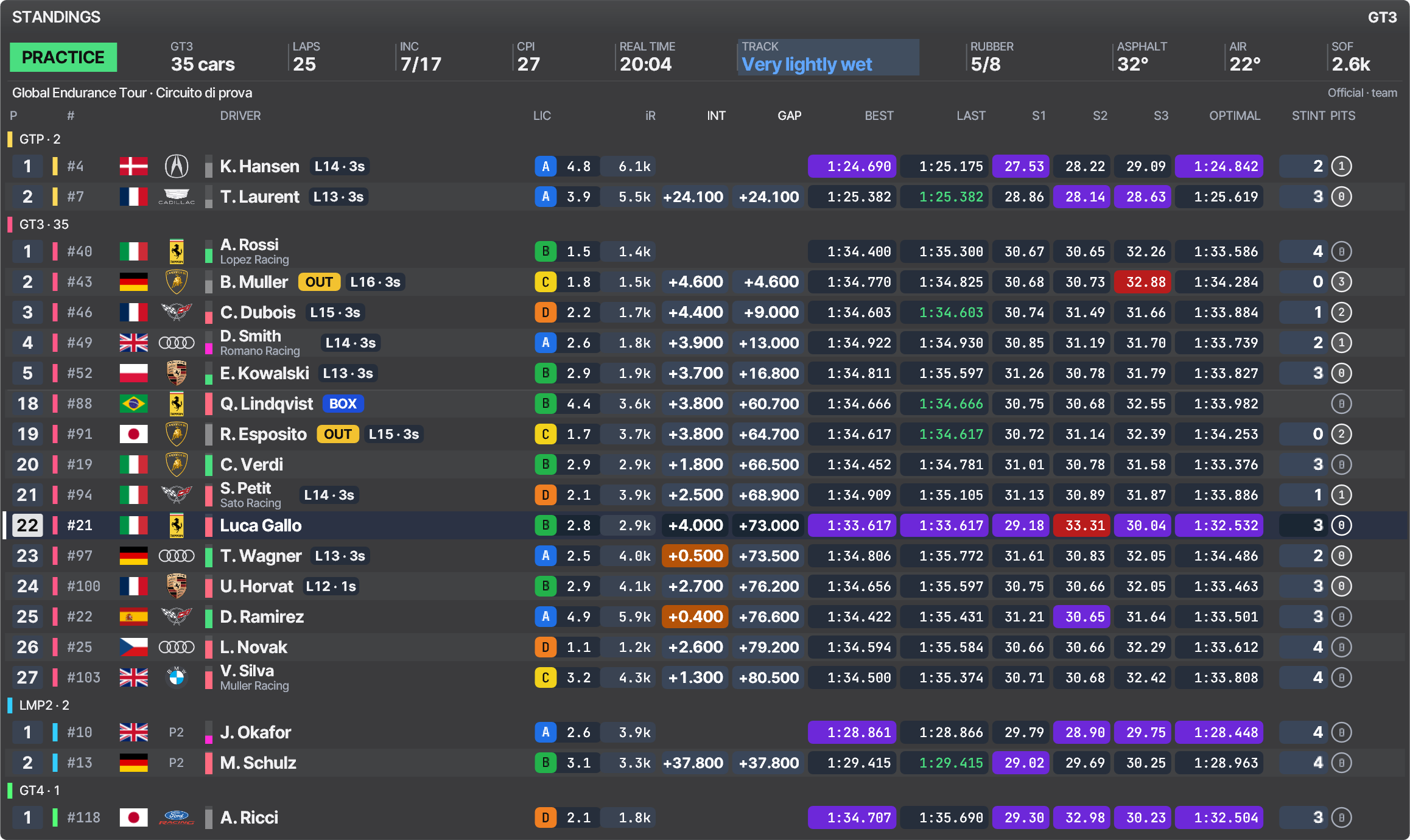
Standings
The full standings: all classes or only yours, with interval, gap, best, last, sectors, optimal lap, stint and stops for every driver.
All classes, mine only, times to the thousandth, columns of your choice.
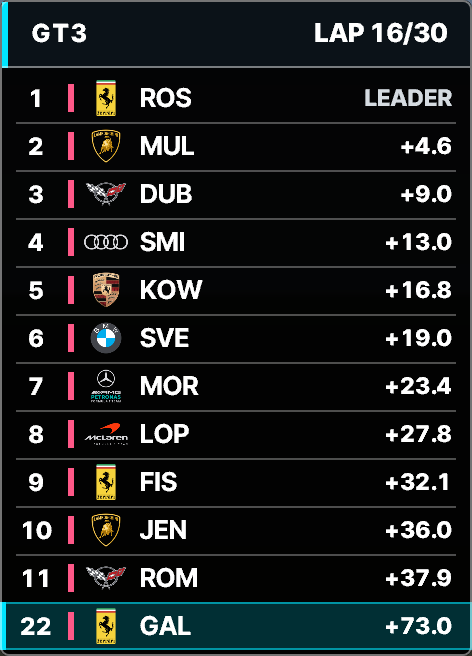
Tower
Class standings as a vertical tower, like on TV: position, driver code and gap to the leader.
Battle
You and your closest rival, head to head: gap, last lap for both and how much you gain or lose per lap.

Driver card
Your card in broadcast style: position, number, iRating, last lap and best.

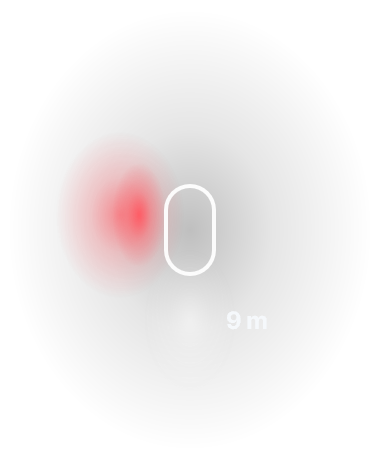
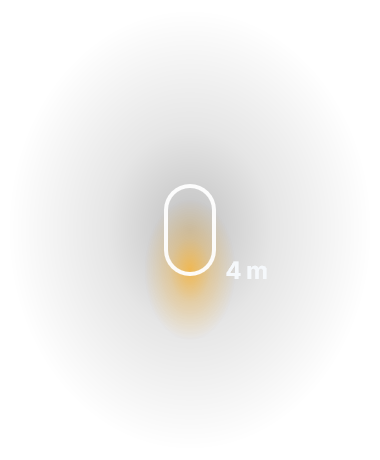
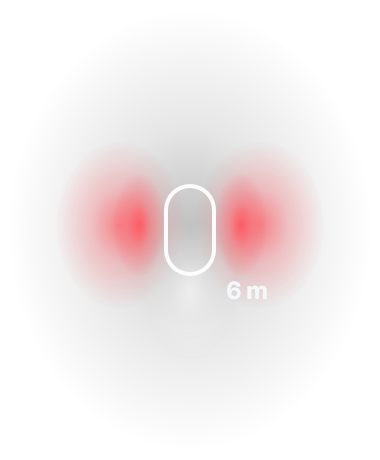
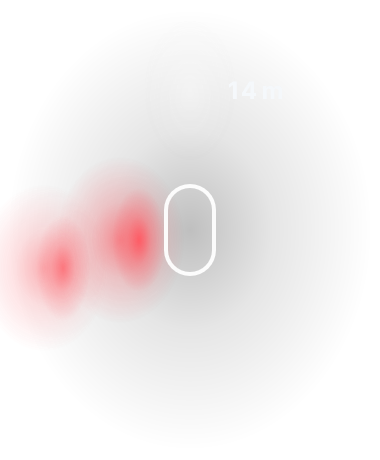
Radar
Cars alongside and right behind you, with distance. It lights up only when someone is close.
Three styles: top-down car, or two side bands.
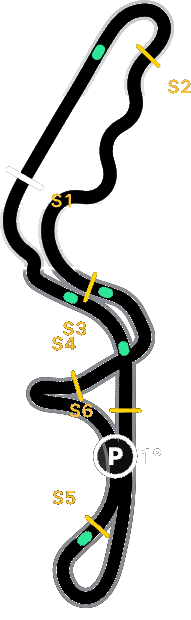
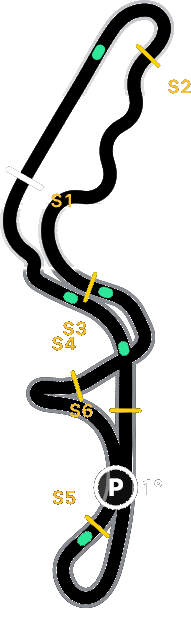
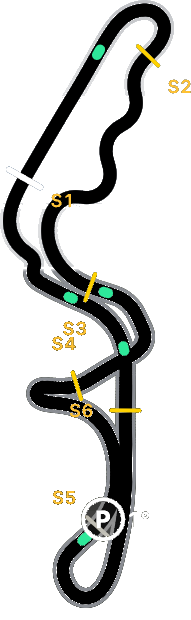
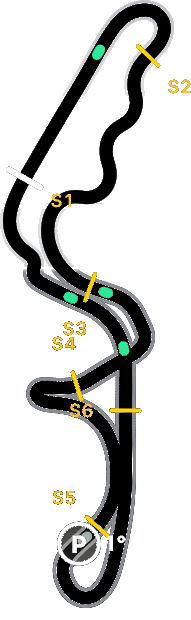
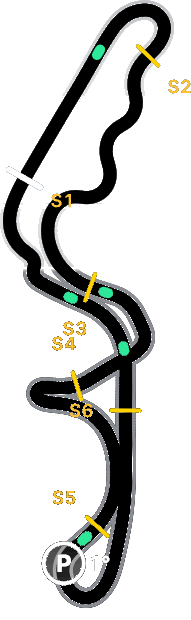
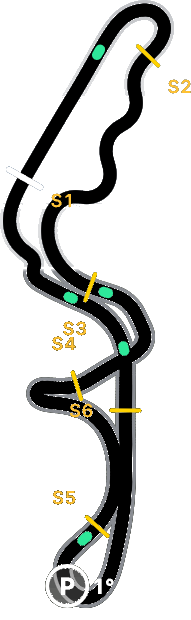
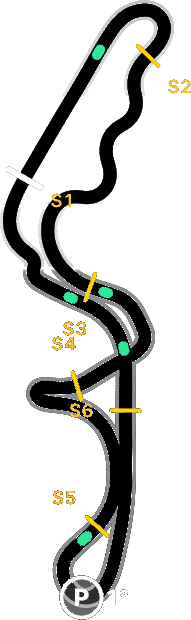
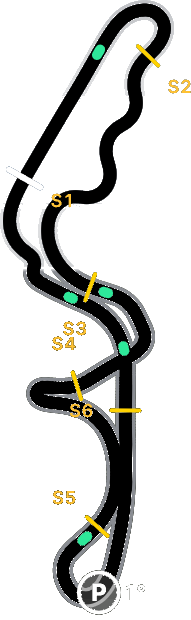
Map
The real track with your position and everyone else's, sectors and pit entry. SPLIT draws it by itself on your first lap.
Three views: full track, zoom around you, straight line.
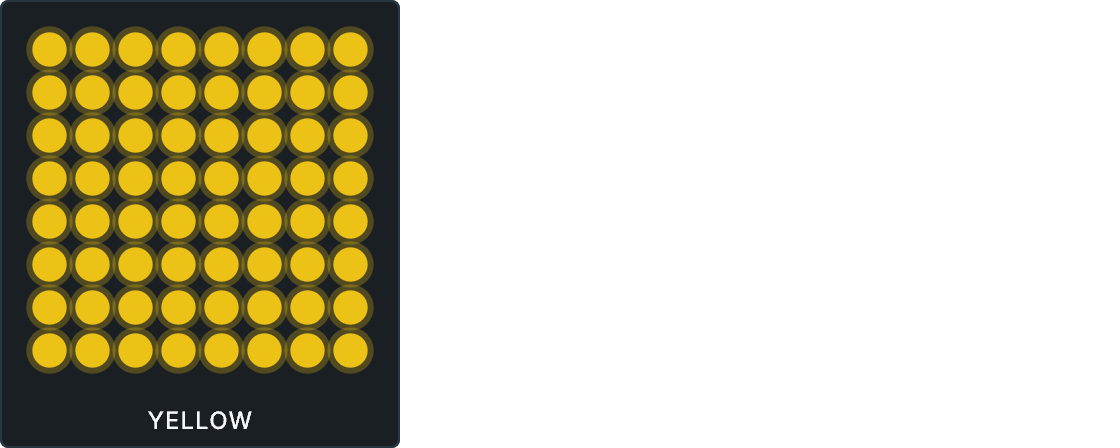
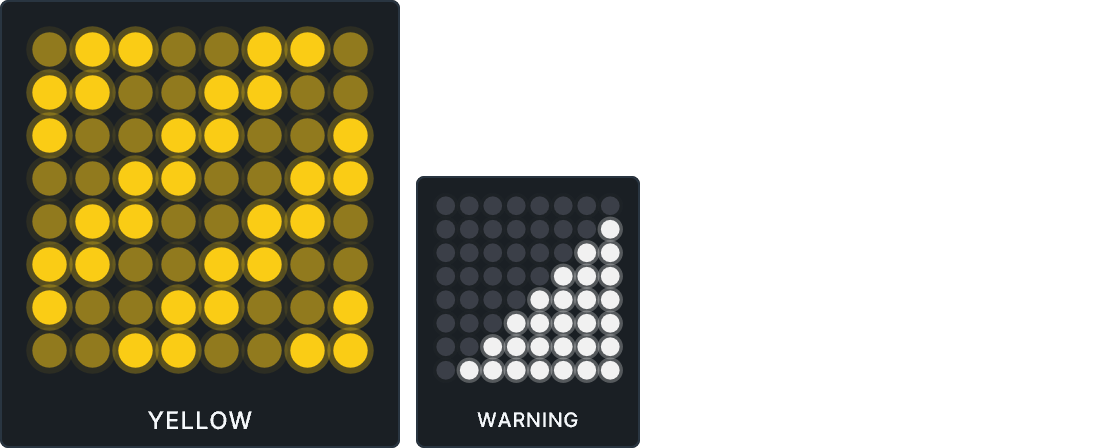
Flags
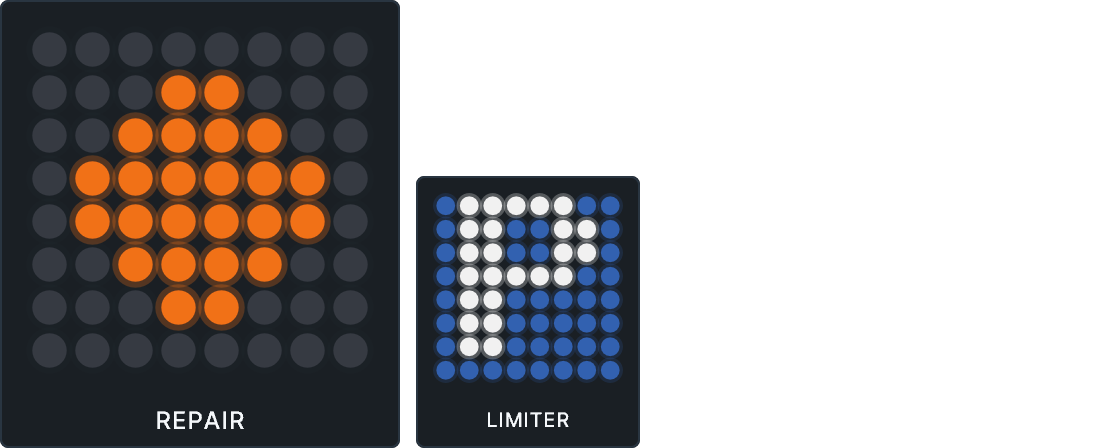
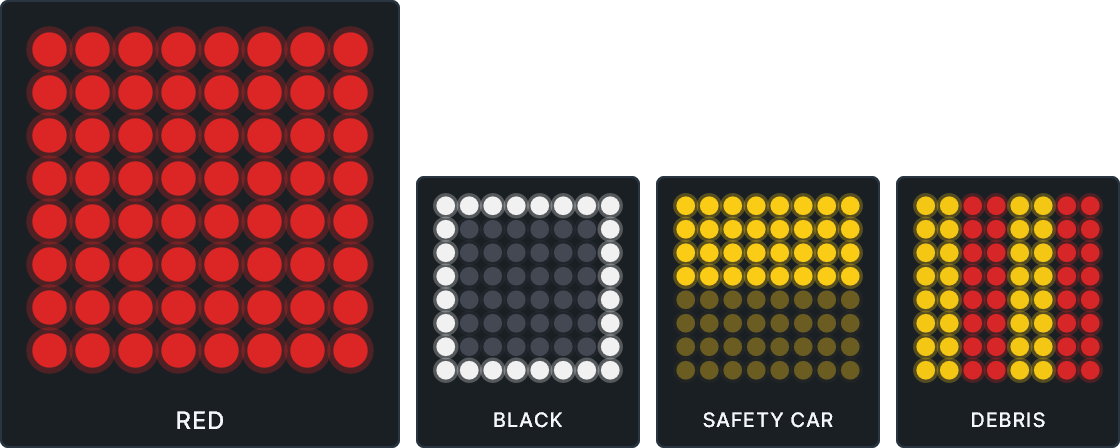
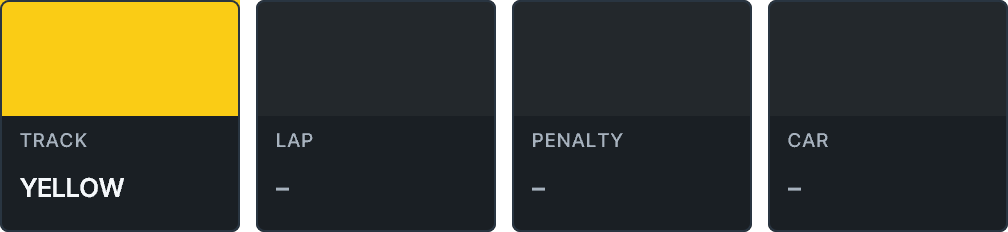
All active flags together, up to 4 (blue has its own overlay): LED panels with the most serious one big, or four fixed boxes. Also the pit limiter.
Blue flag
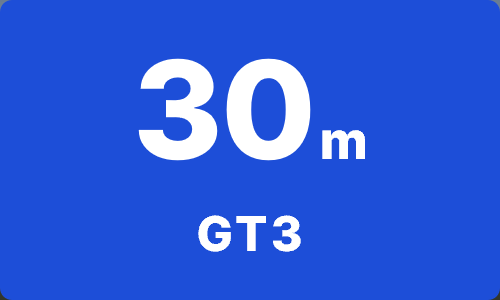
With the blue flag: the metres to the car about to pass you and its class. Hidden otherwise.
Session
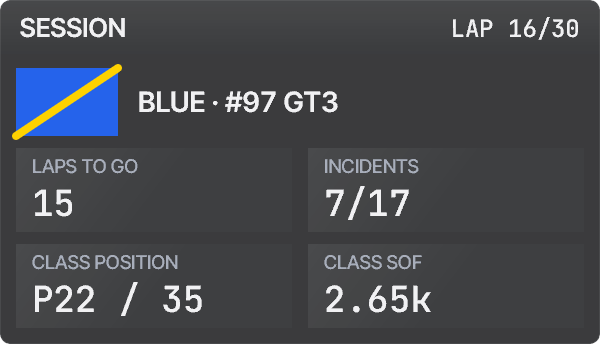
Event band (flags, warnings, engine alarms, faster class coming) and session data.
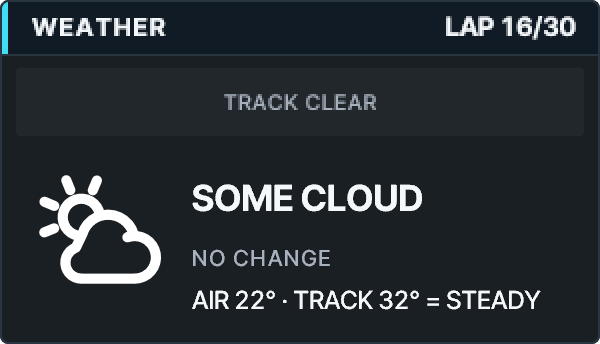
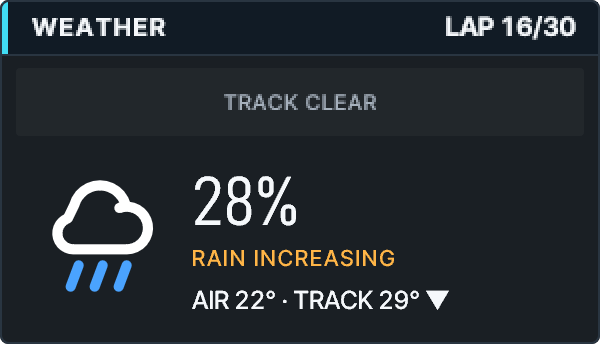
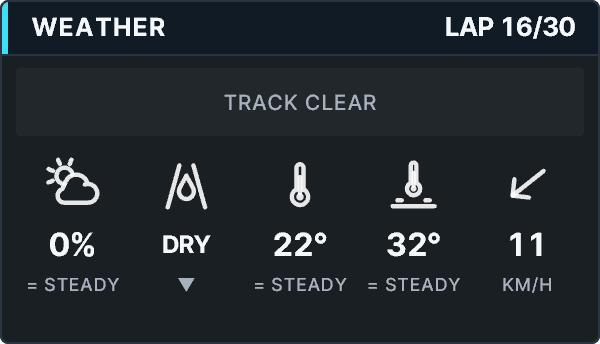
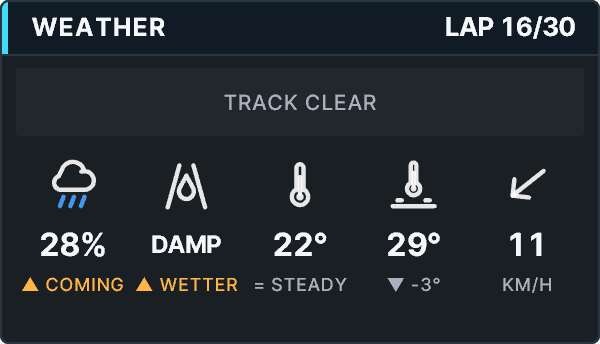
Weather
Track and air temperature, wind, humidity, sky and rain.
Two designs: icons, or the rain figure large.
Position and lap
Position and lap in a thin line.

Info bar
One line: race time left, laps to go, incidents against the limit.

Strategy and pit stop
Fuel
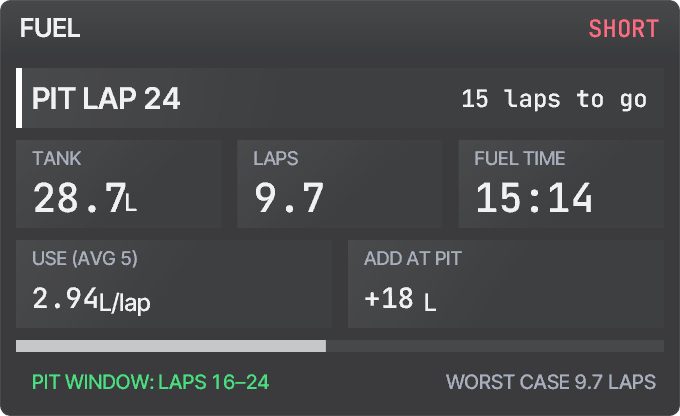
Fuel on board, laps and time it lasts, average use, how much to add at the stop and pit window.
Stints and stops
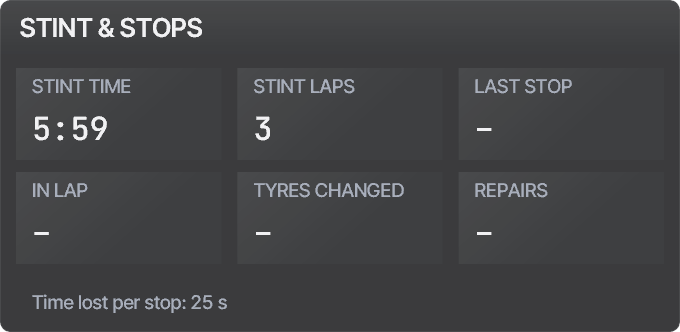
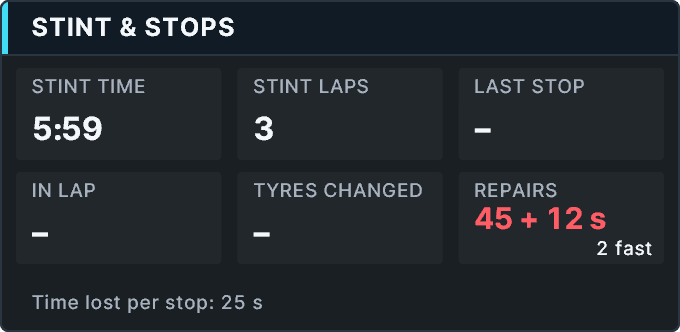
Stint time and laps, stops made and how much a stop costs.
Lift & coast
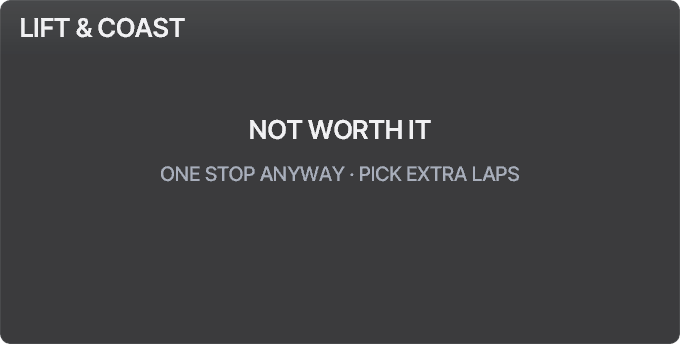
How much to lift to reach the end or stretch the stint, with the cue at the right point.
If saving is not enough to remove a stop, it tells you: "not worth it".
Pit stop
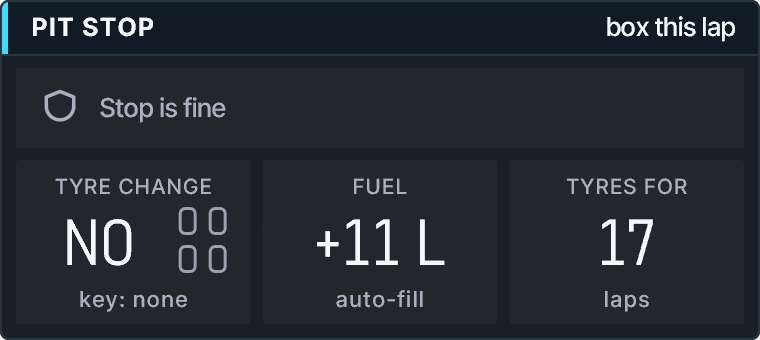
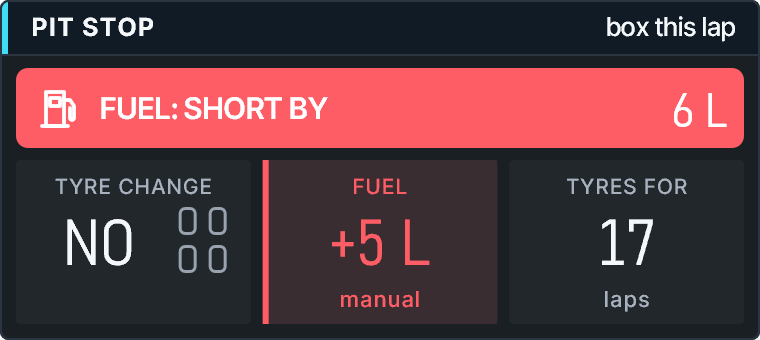
Your next stop as you set it in iRacing: tyres, fuel, and what you forgot. It shows on the in-lap and in the pit lane.
The most serious on top: red for a sure mistake, amber for one to check.
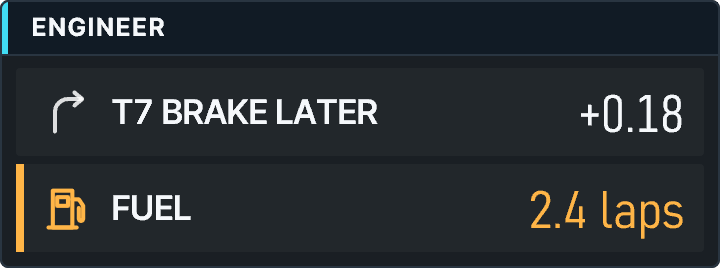
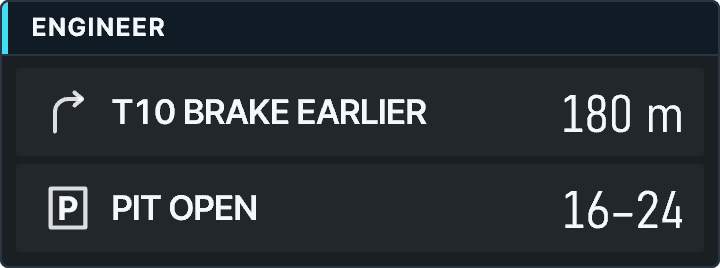
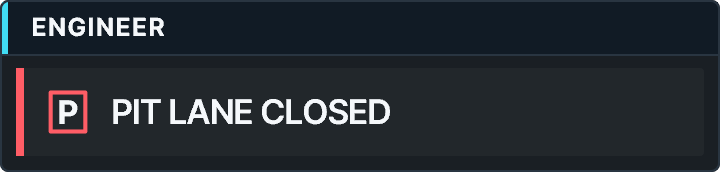
Engineer
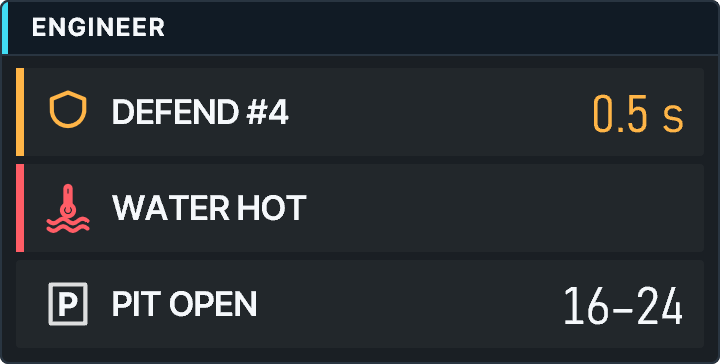
At most three messages, most urgent on top: flags, damage, traffic, fuel, battles, pit, lift & coast, coach.
Lap and driving
Delta
Live delta of the current lap: a number and a line of light, against your best today or the fastest in the session.
Three references: your best today, the session fastest, your all-time record.
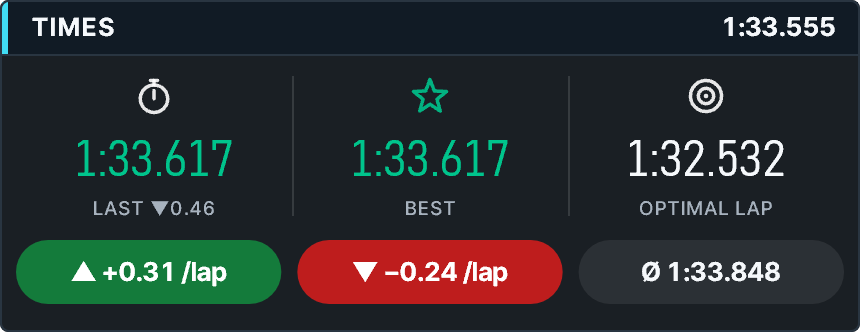
Times
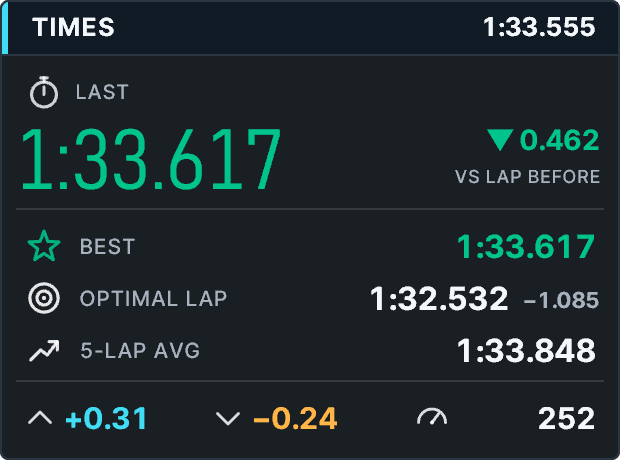
Last, best and predicted lap, with how much you gain or lose per lap on the cars ahead and behind.
Two designs: rows or three columns.
Sectors
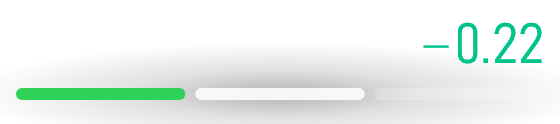
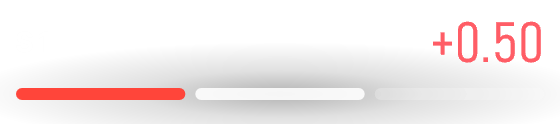
Appears only when you complete a sector: gain or loss on your best, for 4 seconds.


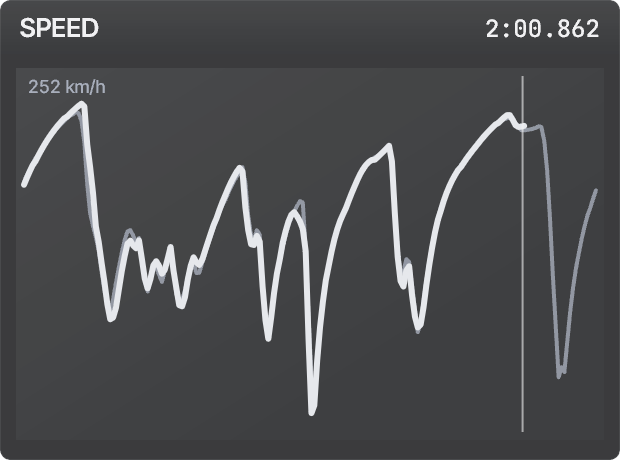
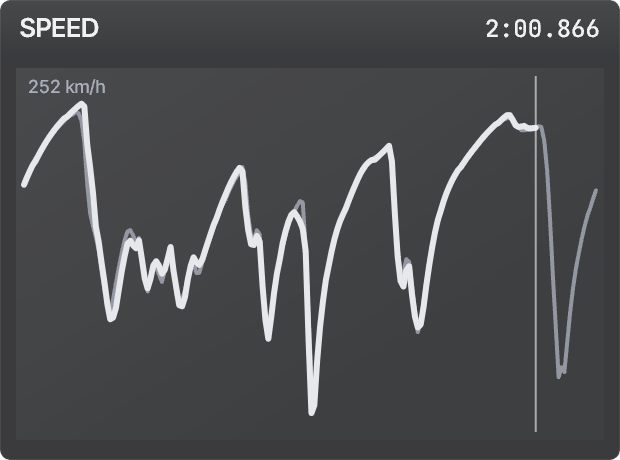
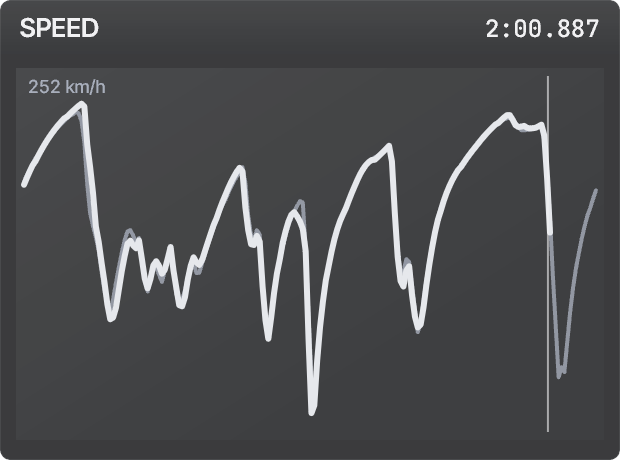
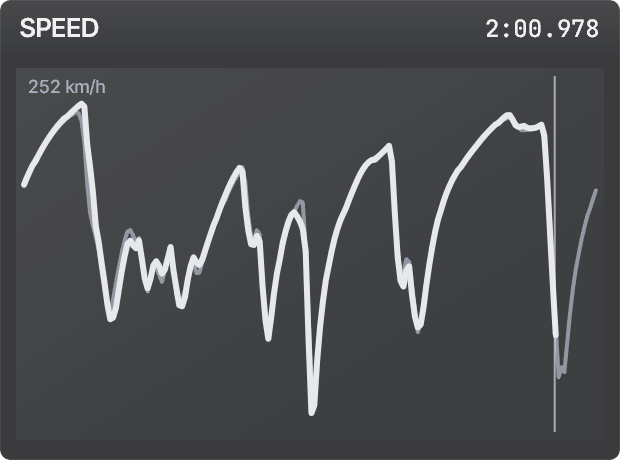
Speed
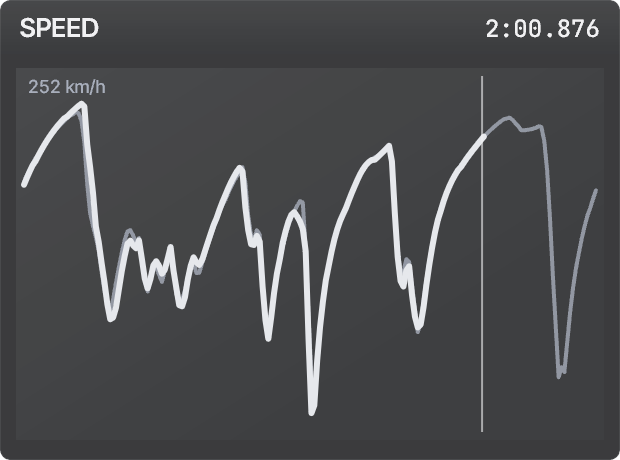
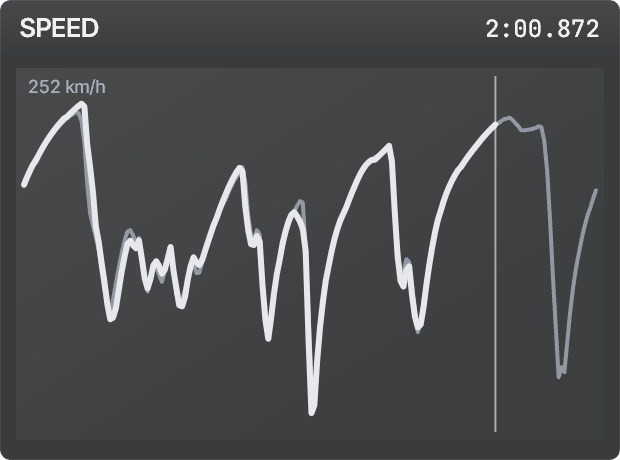
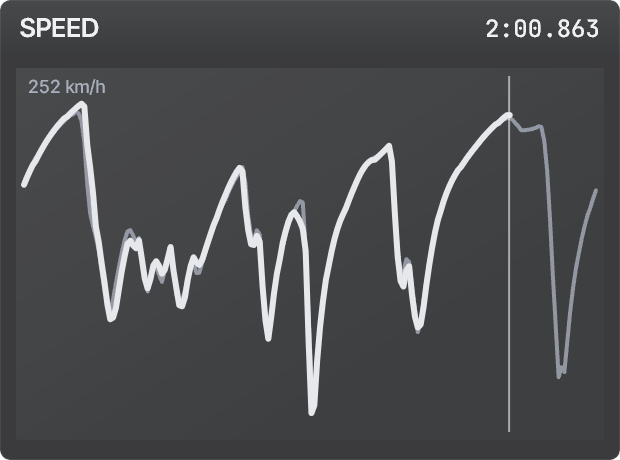
Speed of the current lap against the reference lap, over the whole track.
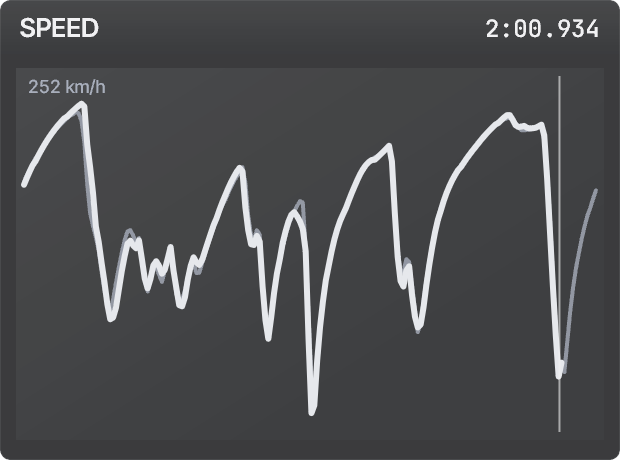
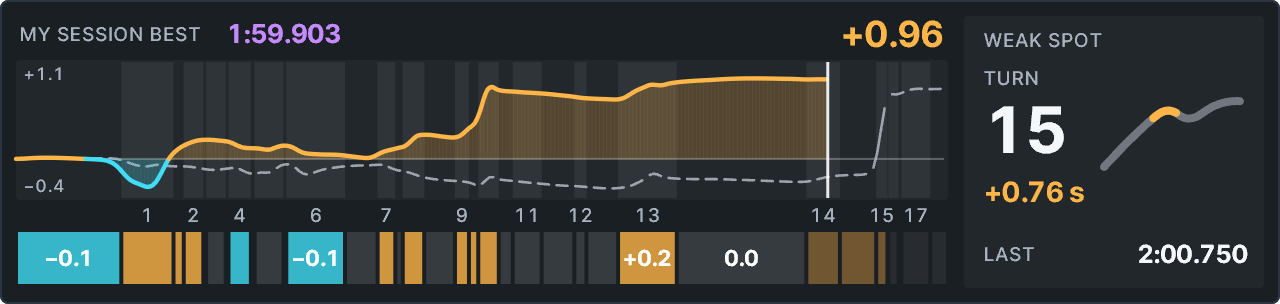
Live telemetry
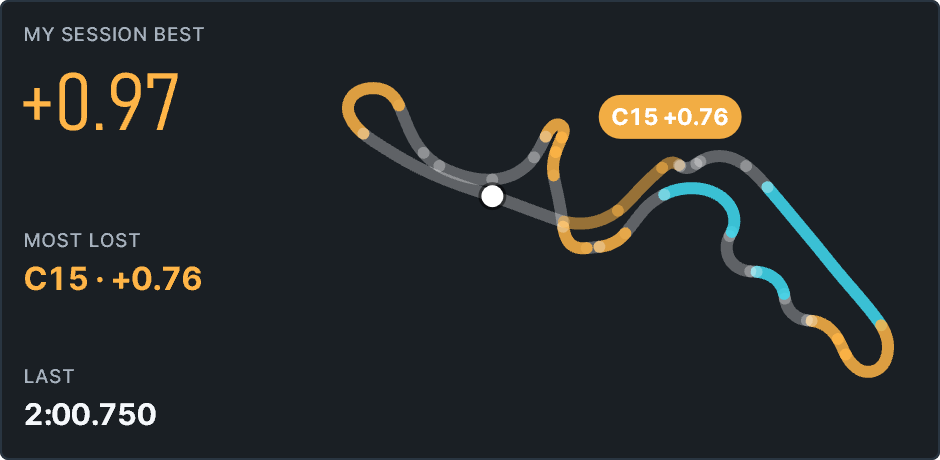
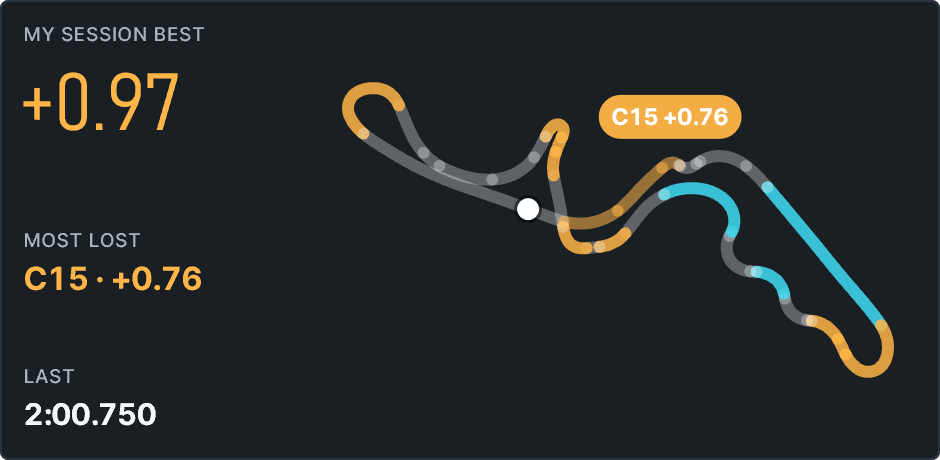
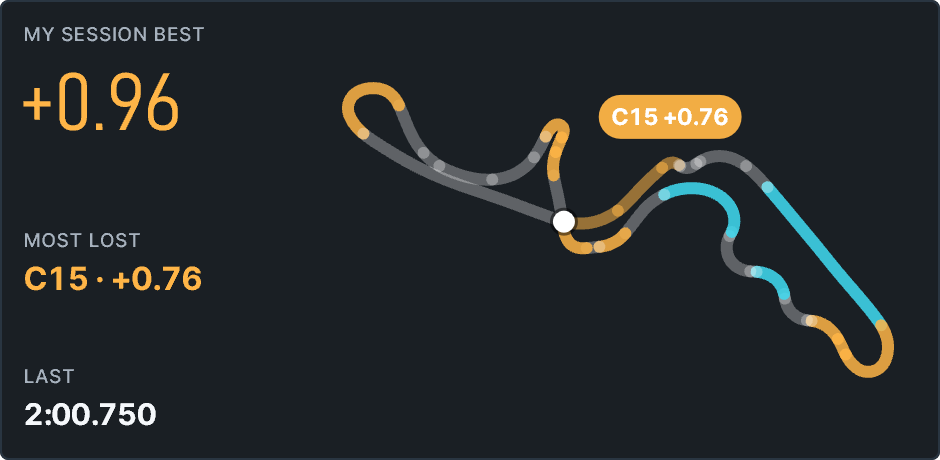
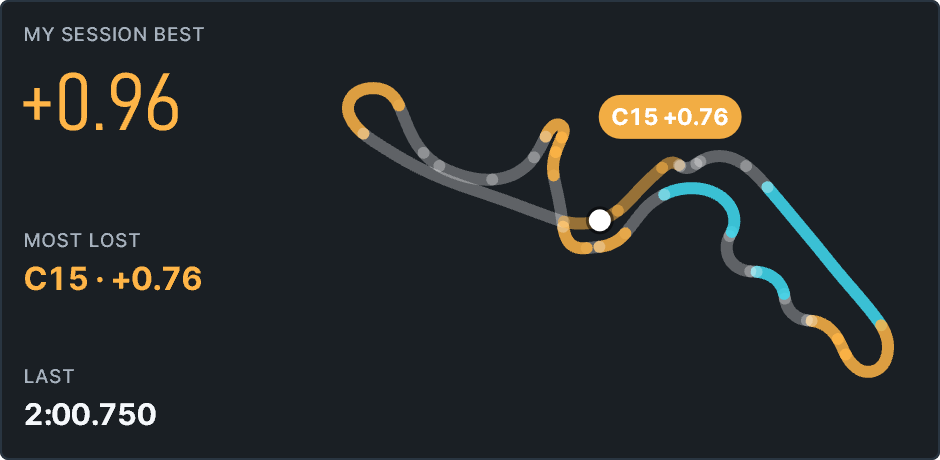
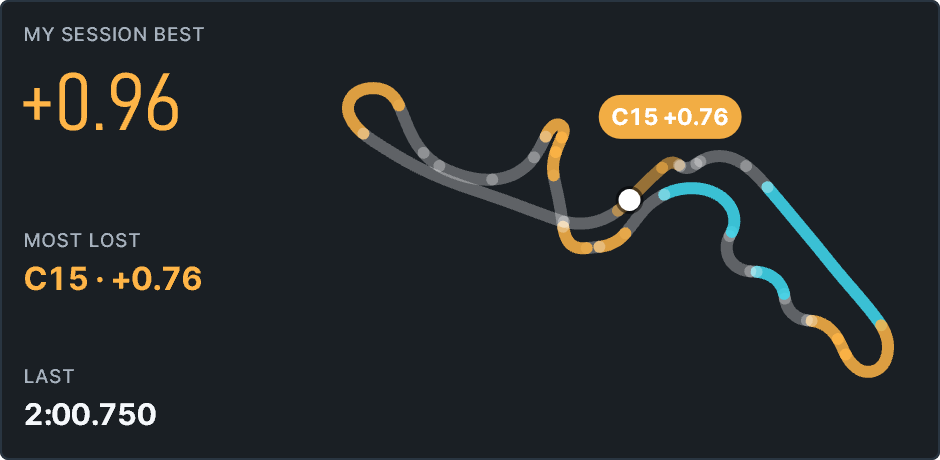
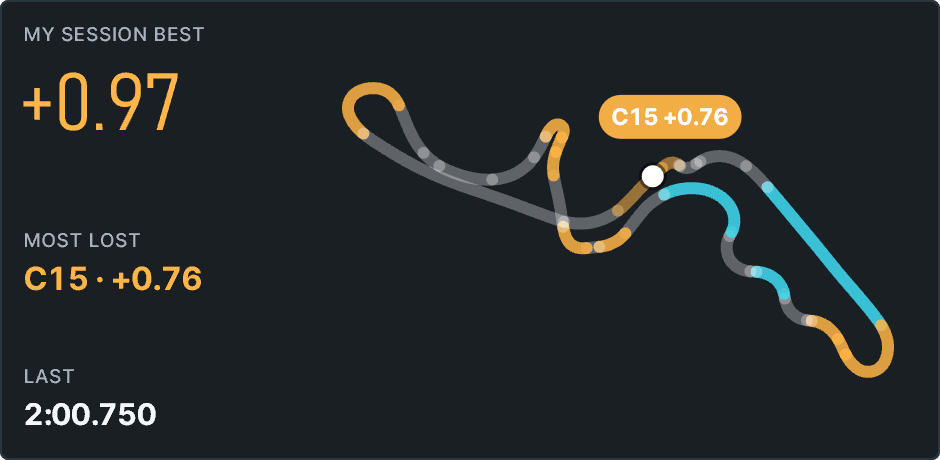
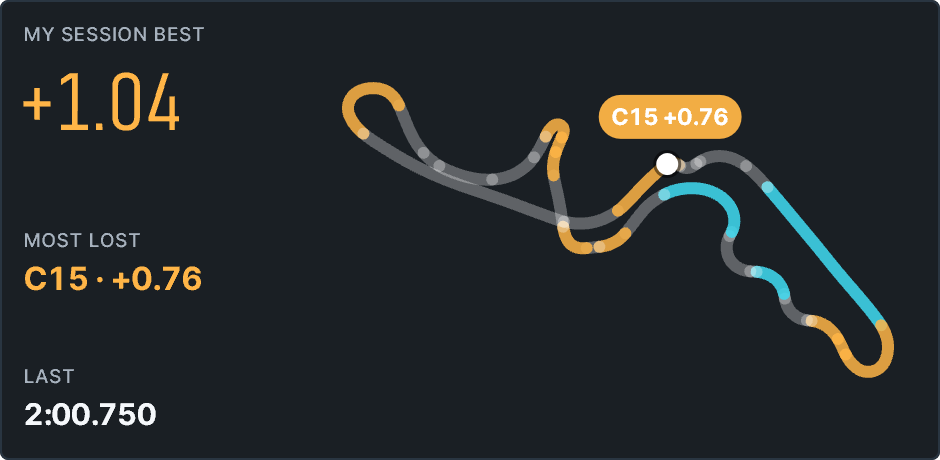
Where you gain and lose along the lap against your session best (or another driver's lap): graph, corners or track.
Three views. The reference can be a lap loaded from Garage 61.

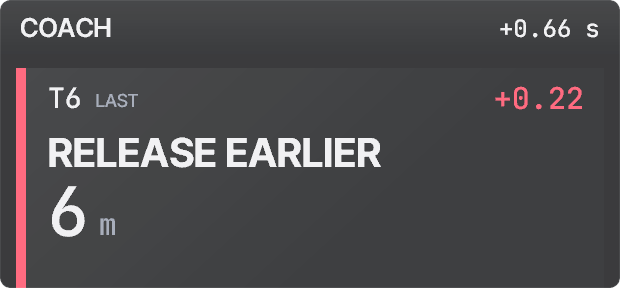
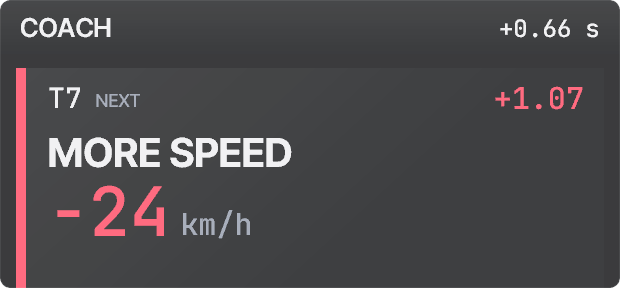
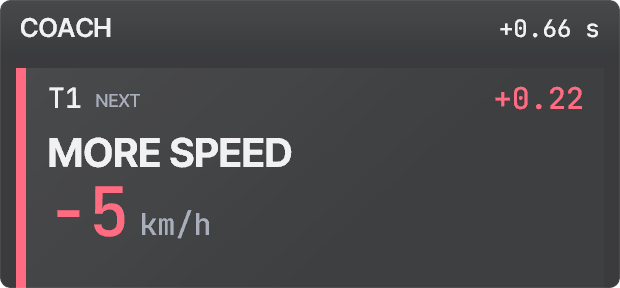
Coach: next corner
Next corner: what went wrong last time. Last corner: time lost, cause and what to do.
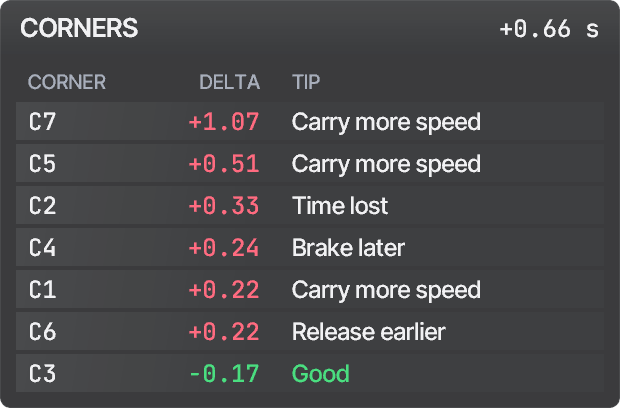
Coach: corners
Where you lose time: corners of the last pass, worst on top, with the tip.
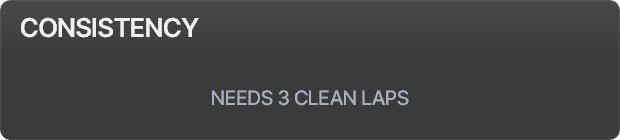
Coach: consistency
How repeatable each corner is over the last 5 laps (±s): least consistent on top.
Empty in the image: it needs 3 clean laps before it says anything.
Car
Pedals
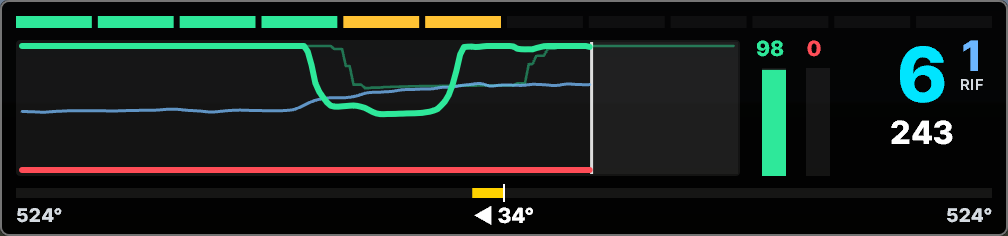
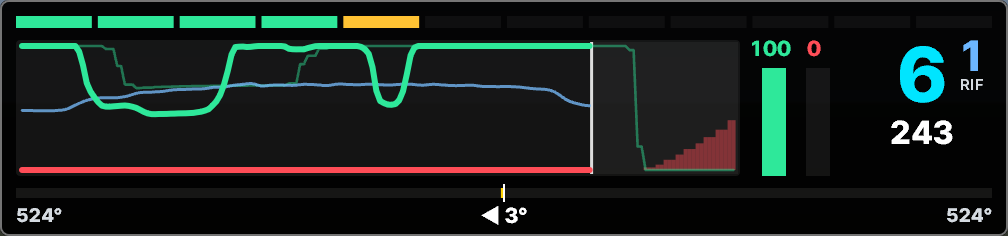
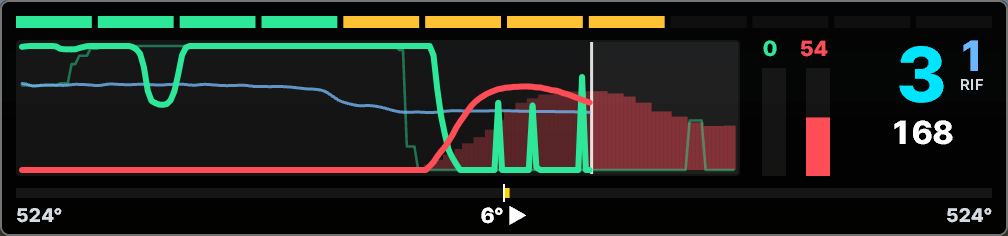
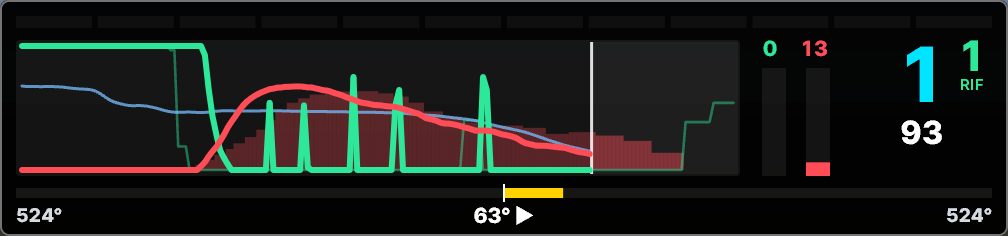
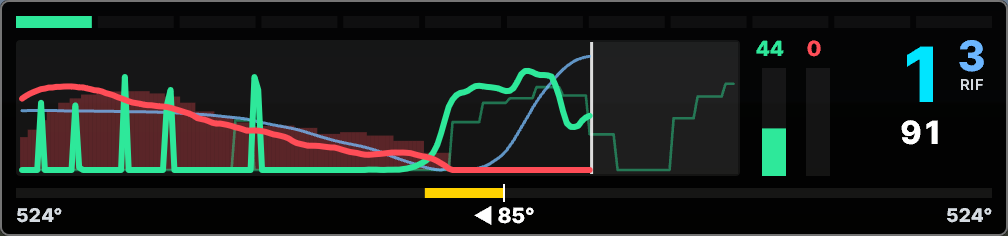
Throttle, brake and steering scrolling by, gear, speed and the right gear for the next corner. Underneath, if you want, the reference lap trace.
Tyres
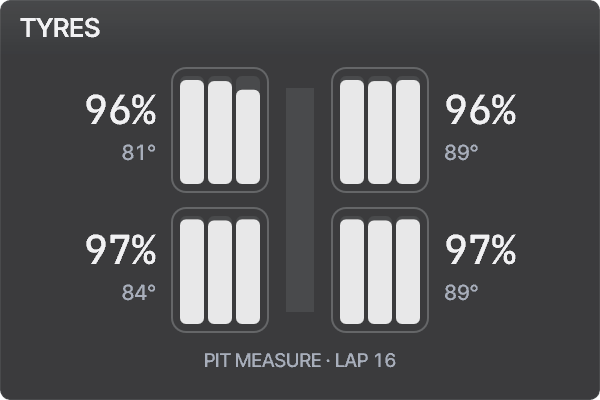
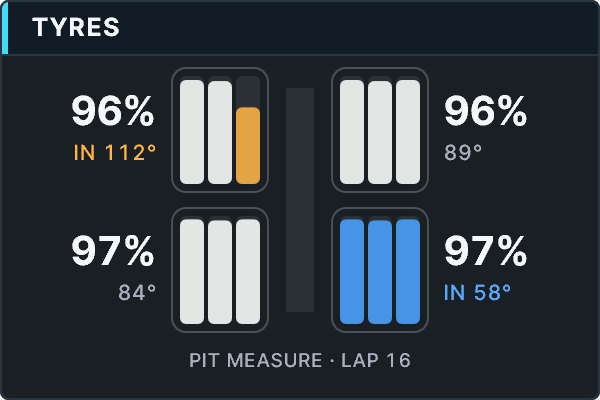
Wear and temperature of the four tyres (iRacing measures them only in the pits).
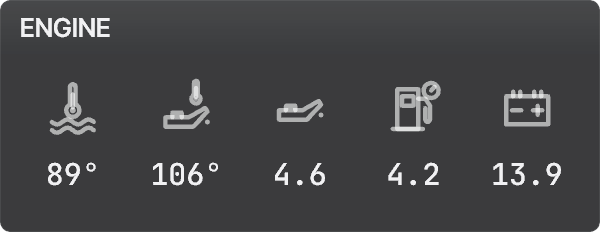
Engine
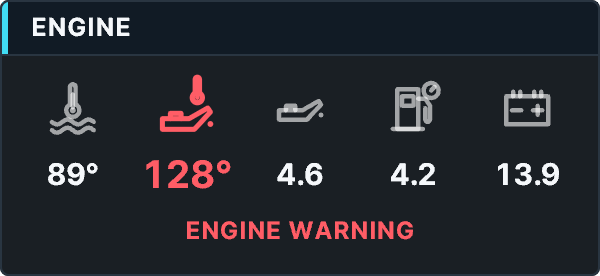
Water, oil, pressures, battery and RPM, with the alarms.
Adjustments
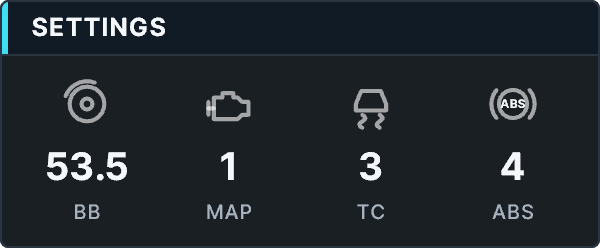
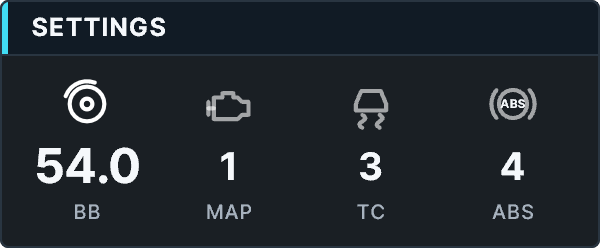
Brake bias, engine map, traction control and ABS.
The value you just changed lights up.
Odometer
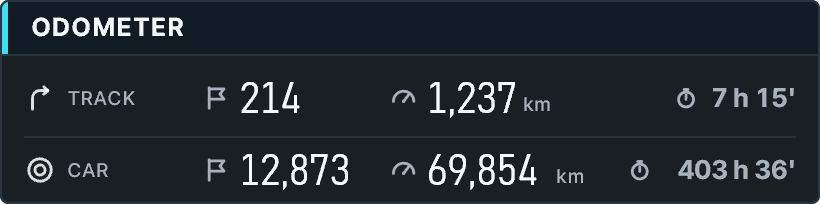
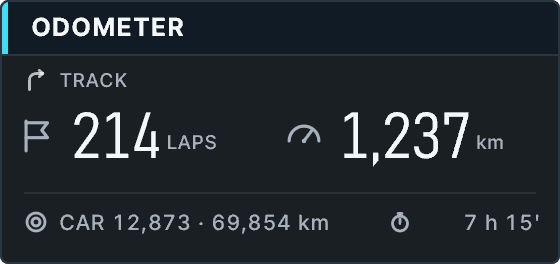
Laps, km and driving hours with this car at this track, and with the car at every track. Counted forever.
Three layouts: panel, strip, big numbers.

Streaming
Chat
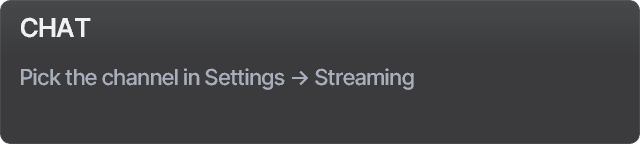
Twitch chat on screen while you drive, for streamers. In the image it is waiting for you to pick the channel.
Next race, everything under control.
19,99 €
Price at the 1.0 launch, one payment, VAT included. Leave your email and we will tell you.